the short answer
If you want software to clean up private photos, pick a cleaner that analyses them on your phone, not on a server. Soap is a free app for Android and iPhone that finds similar, blurry and unwanted photos on-device. Your photos are never uploaded or used to train AI, and nothing is deleted until you confirm.
how to do it with soap
- 1
allow photo access
Soap asks for access to your library so it can scan it. The scan runs on your phone.
- 2
let bara sort
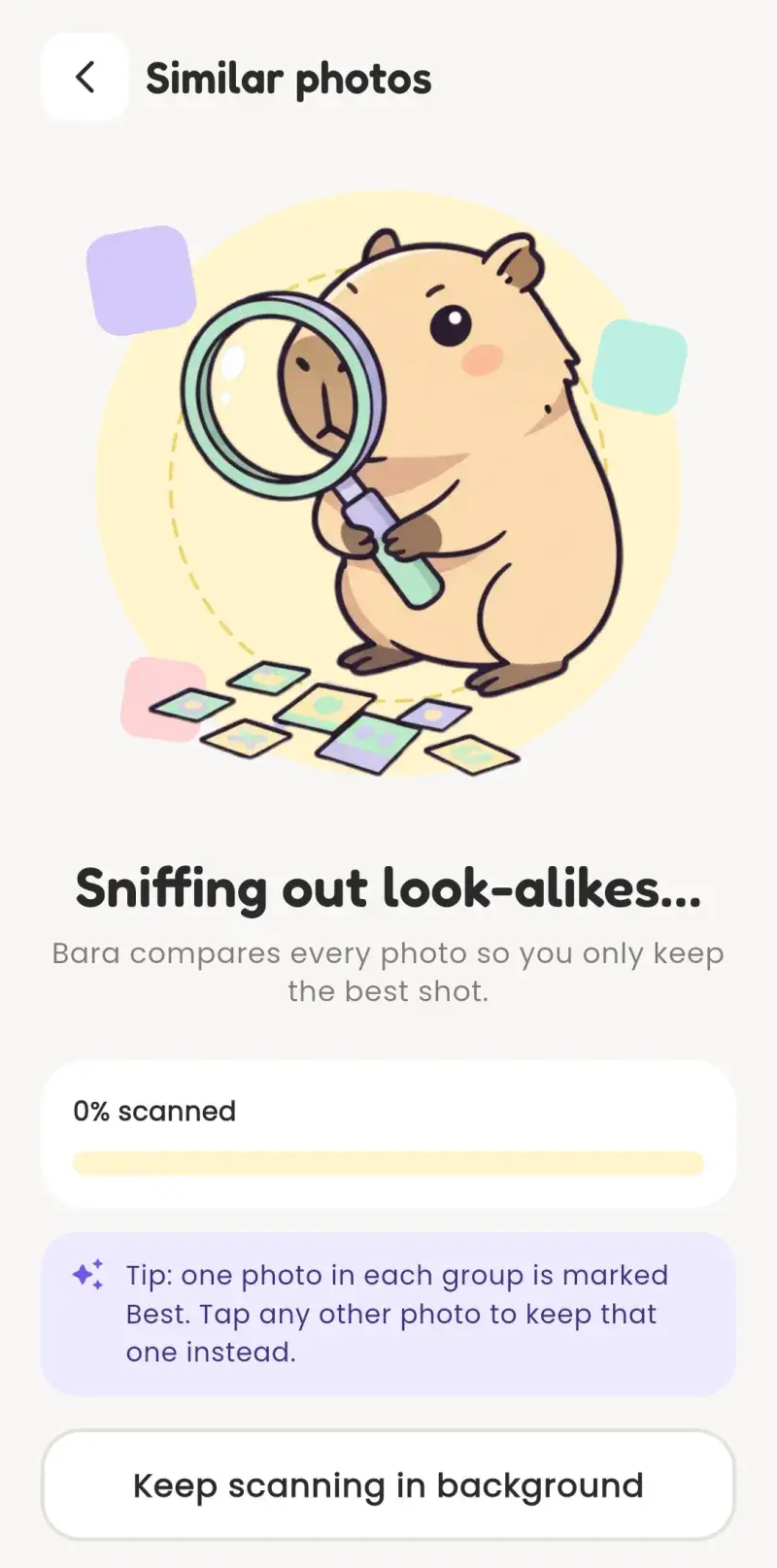
Bara groups photos by month and flags similar, blurry and low-quality shots, all locally.
- 3
review and confirm
Swipe to keep or toss. Nothing is deleted until you confirm, and nothing is uploaded at any point.
why on-device matters for a photo cleaner
To find duplicates or blurry pictures, an app has to look at every photo you have. That makes a gallery cleaner one of the most privacy-sensitive apps you can install. When the analysis happens on a server, copies of your photos travel over the internet and sit on someone else’s computer, even if only briefly.
When the analysis happens on the phone, there’s no copy to leak, sell, review or train on. Modern phones have dedicated chips for this kind of work, so on-device scanning is fast and doesn’t need your photos to go anywhere.
what soap does and doesn’t send
- Never sent: your photos, your videos, or anything derived from their content.
- Sent, as described in the [privacy policy](/privacy): basic usage and crash information (Firebase Crashlytics), ad requests (AdMob) and purchase status (RevenueCat).
how to check any app before you give it your photos
You don’t have to take any app’s word for it. Look at the App Store privacy label or the Google Play data safety section, read what the privacy policy says about photos specifically, and prefer apps that say plainly that analysis happens on-device. Our guide on how to check if an app uploads your photos walks through each step.
frequently asked questions
what software can i use to clean up private photos?
Use a cleaner that does its analysis on your device, so your photos never reach a server. Soap does this on Android and iPhone: it scans your gallery locally, groups similar and blurry shots, and lets you swipe to keep or delete. Check any other app with our guide on how to check if an app uploads your photos.
does soap need internet to scan my photos?
The scanning itself runs on your phone and doesn’t send your photos anywhere. The app still uses the internet for things like ads, purchases and crash reports, which are listed in the privacy policy.
can soap see my iCloud or Google Photos library?
Soap works with the photo library on your phone through the system’s photo permission. It doesn’t log in to iCloud or Google Photos and doesn’t copy your library to a server.
are my photos used to train ai?
No. Because your photos are never uploaded, they can’t be used to train any model, by Soap or anyone else.