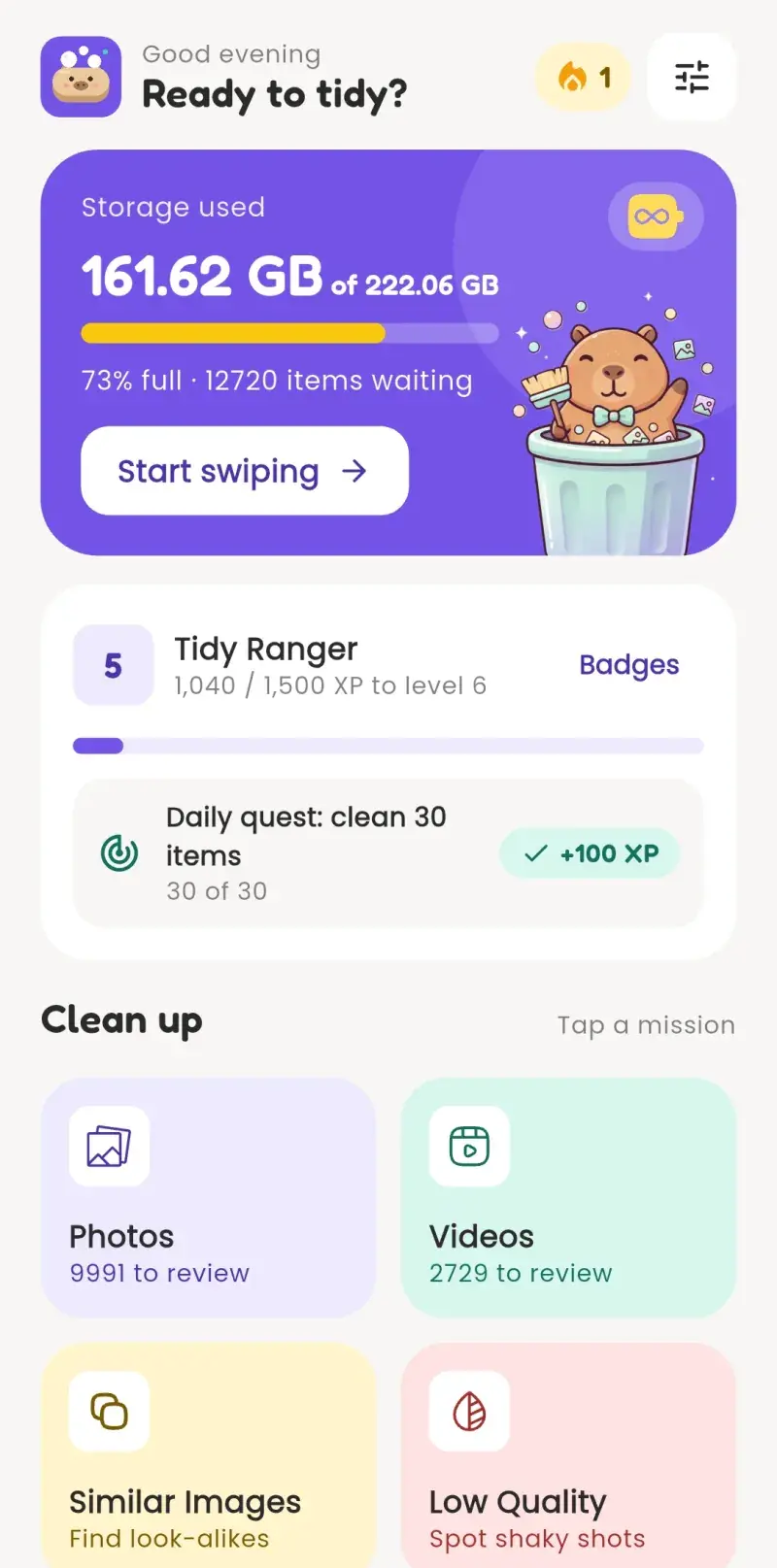
how to do it with soap
- 1
check what’s using space
Settings → General → iPhone Storage shows how much Photos takes.
- 2
clean with soap
Swipe through months, clear similar groups and batch-delete blurry shots.
- 3
empty recently deleted
In Photos → Albums → Recently Deleted, delete everything to get the space back now.
the step most people miss: recently deleted
When you delete a photo on iPhone, it moves to the Recently Deleted album and stays there for 30 days so you can recover it. Until it’s removed from there, it still takes up space. After a big clean-up, open Photos → Albums → Recently Deleted and delete all to free the space immediately.
if you use iCloud Photos
With iCloud Photos turned on, deleting a photo on your iPhone also deletes it on your other devices signed in to the same Apple Account. That’s good for keeping your library tidy everywhere, but be sure before you confirm.
The Optimize iPhone Storage setting (Settings → Photos) keeps smaller versions on the phone and the full-size originals in iCloud. It saves space, but it relies on the cloud. Cleaning out photos you don’t want saves space on the phone and in iCloud.
the built-in duplicates album
Since iOS 16, Photos can show a Duplicates album under Utilities that merges exact copies. It’s worth using alongside Soap: Apple’s tool handles exact copies, and Soap handles look-alikes, blurry shots and swiping through everything else. See Soap vs Apple Photos duplicates.
frequently asked questions
why didn’t my storage go up after deleting photos?
Deleted photos stay in Recently Deleted for 30 days. Empty that album in Photos to get the space back right away.
does soap work with iCloud Photos?
Soap works with the photo library on your iPhone. If iCloud Photos is on, deletions sync to your other Apple devices as usual.